Autonomous Agent
An autonomous agent is an AI system that independently pursues goals, makes decisions, and executes tasks over time — without requiring continuous human direction. What distinguishes an autonomous agent from a simple automation script is its ability to reason, adapt to new information, and handle unexpected situations. Autonomous agents track progress toward a goal across multiple steps and sessions, making them suitable for complex enterprise workflows such as automated reporting, content updates, and communication management.
Learn more
SmartArt
SmartArt is a built-in feature in Microsoft PowerPoint (and other Office applications) that converts text and data into visual diagrams — such as process flows, hierarchies, cycles, and relationship maps — with a single click. SmartArt removes the need to manually draw and align shapes, making it easy to create professional-looking visuals quickly. It is particularly useful for illustrating organizational structures, project workflows, and strategic frameworks in presentations.
Learn more
Interpersonal communication
Interpersonal communication refers to the exchange of information, meaning, and feeling between two or more people. It encompasses verbal and non-verbal signals and shapes relationships in both personal and professional contexts. Effective interpersonal communication involves active listening, empathy, clear expression, and the ability to read and respond to social cues. It forms the foundation of teamwork, leadership, customer relationships, and all forms of collaborative work.
Learn more
Extemporaneous Speech
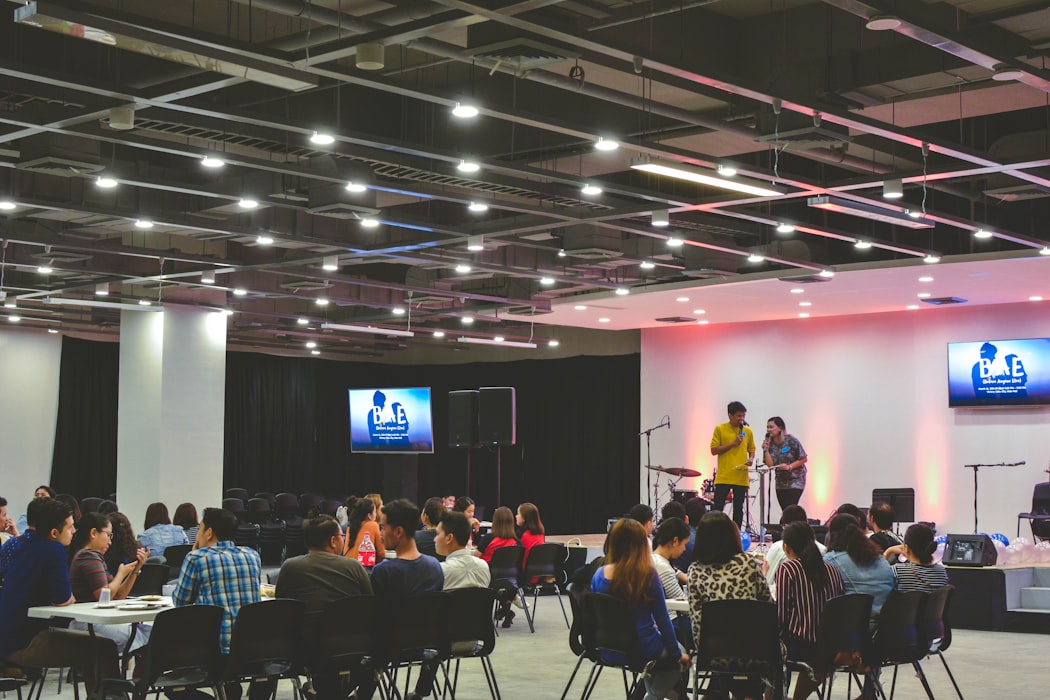
An extemporaneous speech is a speech that involves little preparation, as the speaker may use notes or cards to give his talk. It is important that speakers will still use their own words and talk naturally. .
Learn more