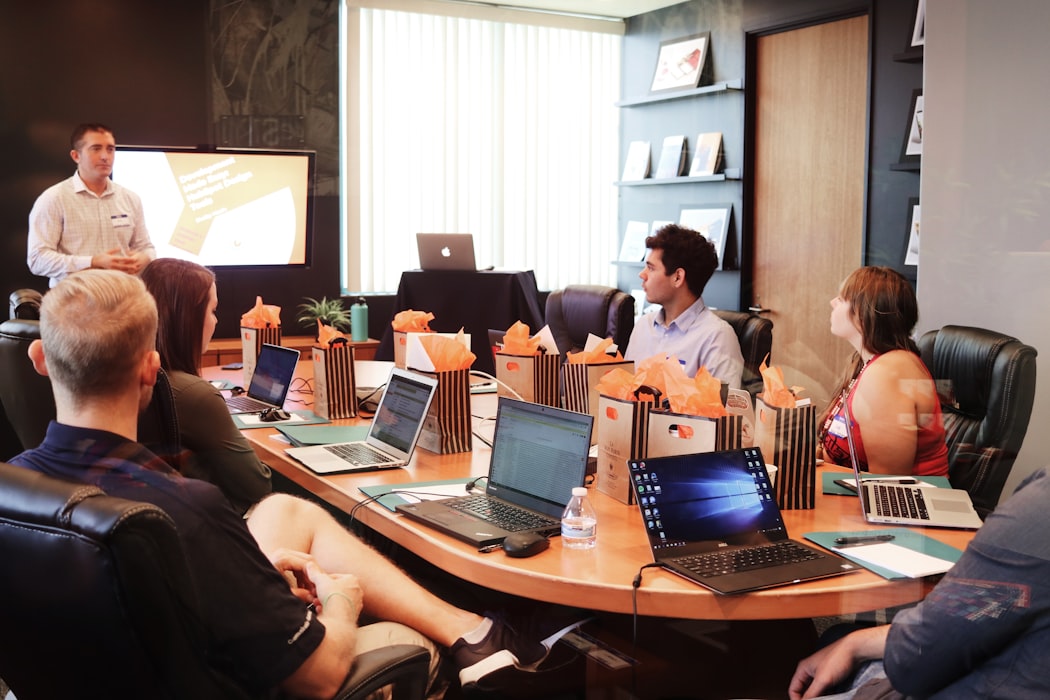
Community Events
Community events bring together groups of people around a shared interest, cause, or location — such as neighborhood gatherings, club meetups, open-source contributor conferences, or industry user groups. Unlike corporate events, community events are often grassroots, volunteer-driven, and focused on connection rather than commercial objectives. They play an important role in building belonging, sharing knowledge, and sustaining networks of people with common goals or values.
Learn more
Verbal Communication
Verbal communication is the use of spoken or written language to convey information, ideas, or feelings. It is one of the most fundamental forms of human interaction and encompasses everything from casual conversation to formal speeches, presentations, and written documents. In professional contexts, effective verbal communication requires clarity, appropriate vocabulary, active listening, and sensitivity to tone and context. Strong verbal communication skills are consistently ranked among the most valuable competencies in the workplace.
Learn more
Animations in PowerPoint
Animations in PowerPoint are visual effects that are applied to different items like graphics, title or bullet points, instead of the slides. There are many different animations like: Appear, Fade, Fly in.
Learn more
Listening
Listening is a very important part of communication. To be good in communication you need to be a good listener. That doesn't mean just hearing what the other person is saying. But you need to listen active, engage your mind and intently focus on what your talking partner is saying.
Learn more